
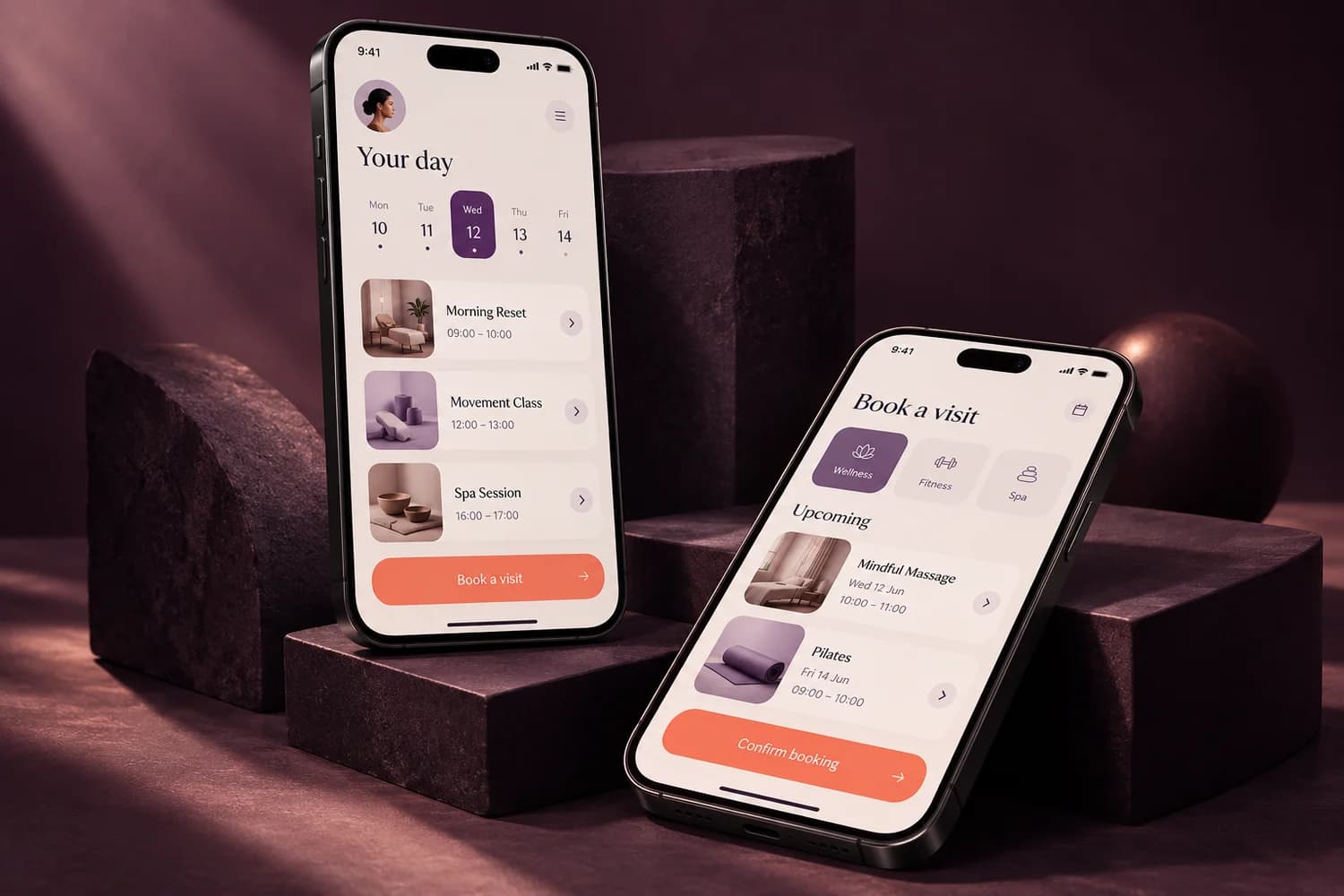
Start with what customers need to do. A website suits a business that needs to explain services and receive enquiries. A web app suits repeat tasks such as bookings, accounts or a customer portal. A mobile app is worth considering when the experience needs phone-specific features or frequent use on the go.
Three starting points. Different jobs.
A restaurant explaining its menu and receiving enquiries may only need a website. A service business giving customers a booking history may need a web app. A team needing a phone-based workflow may benefit from a mobile app. These are planning examples, not claims about completed Nuqta projects.
- Website: public information, service pages and contact journeys.
- Web app: browser-based workflows, accounts and business processes.
- Mobile app: a phone-centred experience with agreed iOS or Android requirements.
A prototype is a decision tool.
Nuqta’s £750 Prototype plan is a clickable design for exploring a user journey. It does not include production code, a backend or an app-store launch. Use it to test the screens and the logic before committing to development. It is a paid package; the free introductory website sample is a separate offer.
What does a working app cost?
A scoped Web App starts at £3,500 plus £350 setup. A scoped Mobile App starts at £5,950 plus £550 setup. These starting prices cover the features in the relevant plan, not every possible application. Hosting, store fees, third-party services and optional ongoing support are separate. Your proposal defines the platforms, user roles, integrations and acceptance criteria.
Define the smallest useful first release.
Write down one core task, who performs it and what success looks like. Decide what information is stored, who can see it, what happens when something fails and who maintains it. Then separate launch essentials from later additions. This makes quotes easier to compare and limits surprises.
- One main user journey and a short list of launch features.
- The required devices, accounts and permissions.
- Data, integrations, payment needs and any migration.
- Review stages, testing, support and the handover.
Can your website and app work together?
Yes, we can plan a shared identity and agreed data connections. A website can introduce the business while an app supports repeat customers or staff. Integration, privacy and security requirements are scoped before development. Timing depends on the agreed features, content, feedback and any external platform approvals.